How to Surprise Your Grandparents by Bringing Their Youth Back to Life
Quick answer
Turn grandparents' vintage photos into a cinematic evolution video that moves from their youth to today in minutes.
By LifeStory AI Editorial · ·
In this guide (8 sections)
Using LifeStory AI, this process takes just a few minutes and creates an emotional, highly shareable keepsake while keeping their memories completely private.
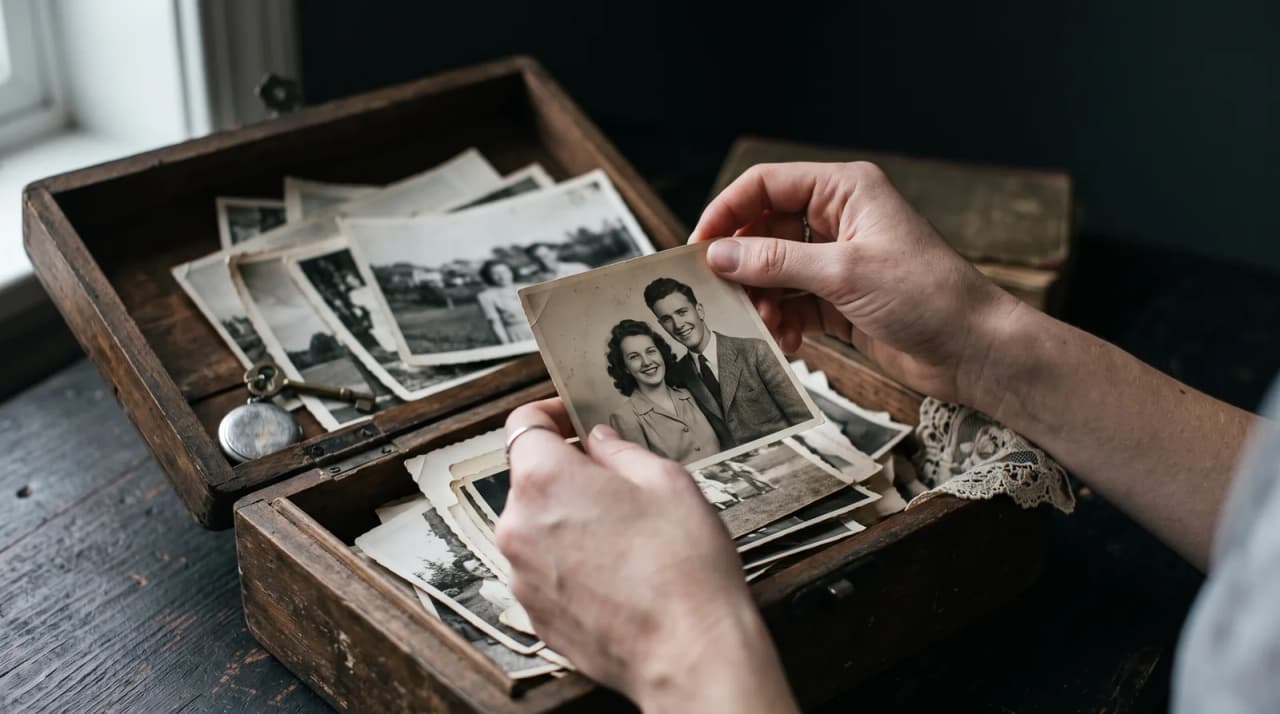
Dusty albums in the attic hold the best years of your grandparents' lives. Most of those faces never reach the group chat. You want them to see what you see when you flip the pages - not a pile of scans, but time moving on a screen they can watch with the family around them.
What tends to work for a grandparents surprise video?
Our recommendation: gather five to ten clear portraits across decades, digitize prints carefully, and reveal the film once in a quiet room moment - not as background noise during dishes. Recognition needs a pause. A centered play gives grandparents the first watch they deserve.
Sources: Library of Congress guidance on preserving paper (opens in new tab).
For a related guide when the tone is remembrance rather than celebration, see how to create a dignified memorial video using photo transitions. The same photo discipline applies; the reveal pacing should match the occasion.
Imagine this: the living room that goes still
Imagine a holiday visit after dinner. The TV is already on but dark. You press play without a speech first - a teenage portrait of your grandmother, then her wedding day, then the woman holding a great-grandchild. She leans forward. Someone else says, "That is exactly your smile." The album on the shelf suddenly has a soundtrack.
What is the Youth-to-Now Span?
The Youth-to-Now Span keeps a grandparent tribute focused and fair to a whole life:
| Span stage | Era | What to look for |
|---|---|---|
| Youth | Teens or early twenties | Clear face, minimal hat or shadow |
| Partnership | Wedding or early family years | Both faces visible if it is a couple tribute |
| Middle chapter | Parenting or career peak | The era they talk about most |
| Grandparent present | Recent decade | Candid, not forced pose |
| Now | Within the last year | How they look today - the emotional landing |
Skip any stage you cannot support with a real photo. An honest four-beat span beats a padded five with blurry filler.
Storyboard sketch: about twenty seconds, five beats
[0:00] Youth portrait - the opening frame, no on-screen text
[0:05] Morph to wedding or young-adult frame
[0:10] Middle chapter - family or work that shaped them
[0:15] Grandparent era - with grandchildren if you have it
[0:20] Present-day portrait - final frame, then offer the file
Youth-to-Now Span at a glance
Early portrait
   ↓
Family era
   ↓
Recent candid
   ↓
Today
How can you safely digitize their old photos?
Volunteer to organize a box or borrow an album under a light excuse - a "family history project" works better than mentioning video software. Once you have prints, use a smartphone scanning workflow for glare-free captures. Lay fragile photos flat in indirect daylight and shoot from directly above; harsh flash washes out faces.
If colors have faded, review restoration tips before AI rendering so weak scans do not break the transitions. Front-facing portraits beat distant crowd shots where their face is a small oval.
How does LifeStory AI turn the span into a watchable gift?
Upload the ordered photos to LifeStory AI and generate the evolution video once your Youth-to-Now set feels honest. You do not need editing software to build the pacing - your job is curation and reveal design. Uploads are stored encrypted, used only to create your video, and deleted on request. That default matters when the archive includes childhood images and decades of private home life.
For presentation craft - casting to a TV, timing the quiet moment - borrow ideas from Father's Day life-journey reveals and why emotional digital keepsakes outperform clutter.
Cross-method note: Living tributes and memorial films stay coherent when you borrow chapter pacing from the Five-Chapter Life Honor framework.
What have we noticed?
We've noticed tribute videos with consistent aspect ratio across decades feel more respectful than a mix of cropped phone video and old prints.
Our editorial take
We think tribute videos fail when music overpowered speech — leave room for silence between chapters.
A surprisingly specific detail
Assign one sibling as photo curator early; parallel family threads duplicate eras and miss gaps.
What mistakes do we see over and over?
- Using only recent phone photos - the journey never reaches their youth.
- Including too many group reunion shots - their face gets lost in the crowd.
- Texting the file while they are alone - the first watch works best with family present.
- Over-narrating during playback - let them meet their younger self first.
- Ignoring print glare and crooked scans - technical noise breaks emotion.
- Posting publicly before they see it - give them the first watch and the dignity of consent.
Before the surprise: legacy video checklist
- Map the Youth-to-Now Span and note missing eras
- Collect 5-10 clear photos with readable faces
- Digitize prints and discard unusable scans
- Generate the video with LifeStory AI
- Plan a sit-down reveal on the largest screen available
- Save a private copy for them and a family chat afterward
Frequently asked questions
How many photos do I need for a grandparents evolution video?
Five to ten strong portraits across different decades are usually enough. Expression and face clarity matter more than volume.
What if I only have a few old prints?
Start with what exists. One clear youth photo and one recent portrait still produce a meaningful arc when the reveal is intentional. Digitize carefully before upload.
Should I tell them I am making a video?
Usually no - the surprise is part of the gift. Do tell siblings or parents so someone can help gather albums without raising suspicion.
Is it safe to upload vintage family photos?
Choose a tool with clear privacy defaults. LifeStory AI stores uploads encrypted, uses them only to create your video, and deletes them on request.
The best surprise is not the software. It is the moment they realize somebody lined up their years with care - and that the story is not stuck in a box anymore.
More in this topic
How to Create a Dignified Celebration of Life Video Using Photo Transitions
Gather meaningful photos and blend them into a dignified celebration-of-life video tribute in minutes.
How to Make a Heartwarming Career Retirement Video for a Coworker
You can create a deeply emotional retirement video by gathering a handful of photos spanning your coworker's career and using an AI video generator…
Documenting Time Apart: How Do I Create an Evolution Video for a Military Homecoming?
Compile deployment photos into an emotional homecoming evolution video that shows time passing in a cinematic clip.